
RETRO VAULT
A Steam-style library for the machines that started it all.
● Philips Videopac G7000 · ● G7400 · ● Magnavox Odyssey² · ● Commodore 64 · ● Commodore Amiga · ● MS-DOS
Free & open to read.
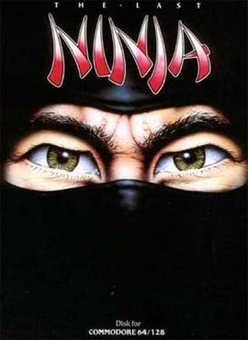
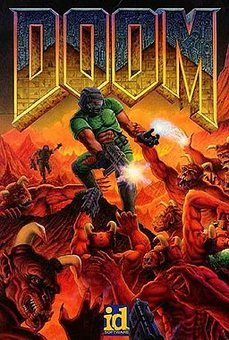
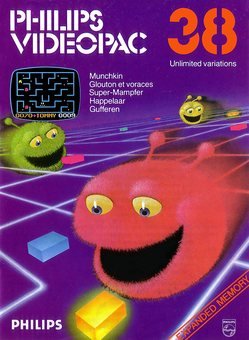
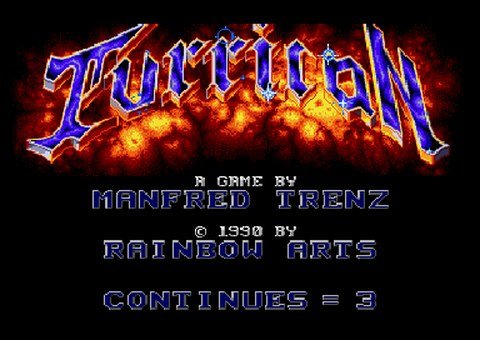
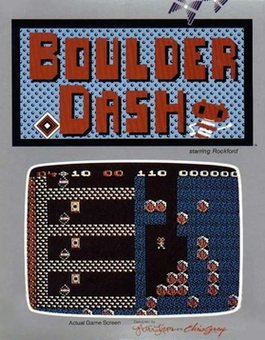
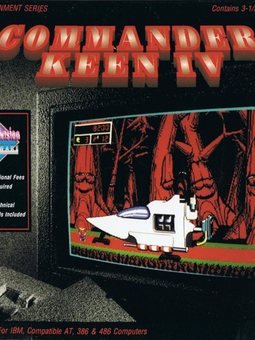
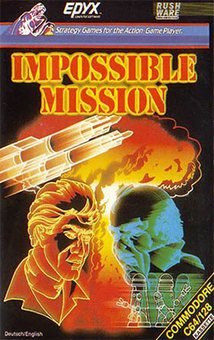
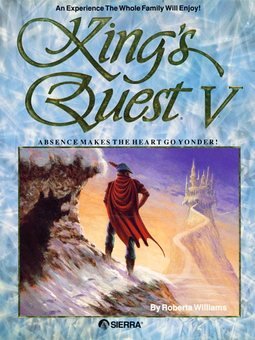
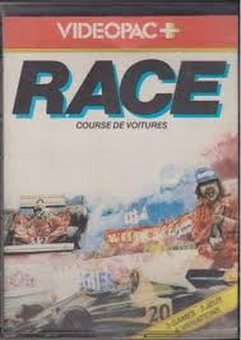
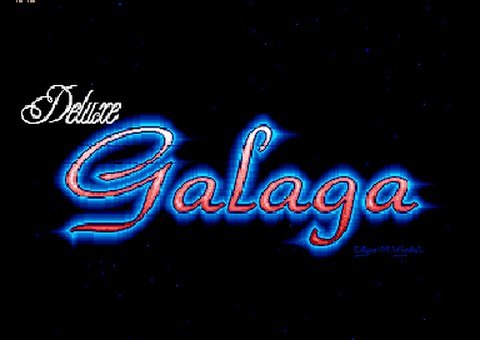
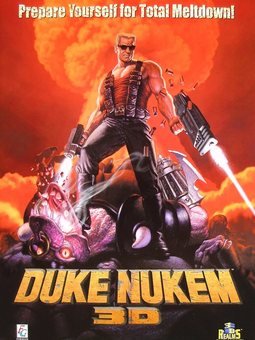
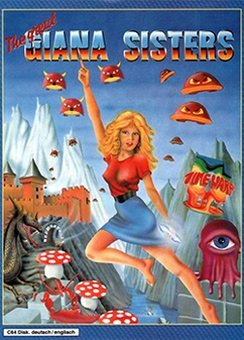
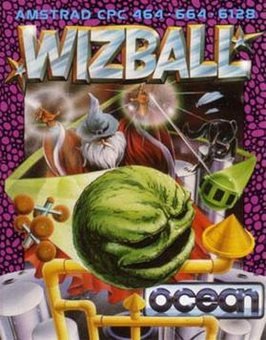
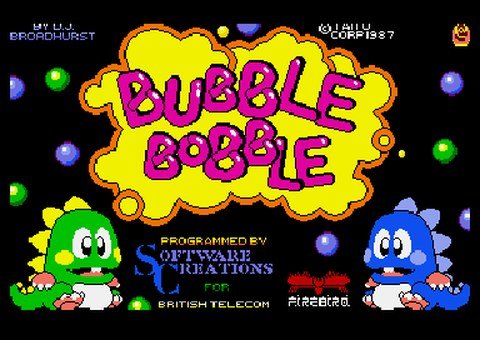

Your childhood shelf, rebuilt like a modern game library.
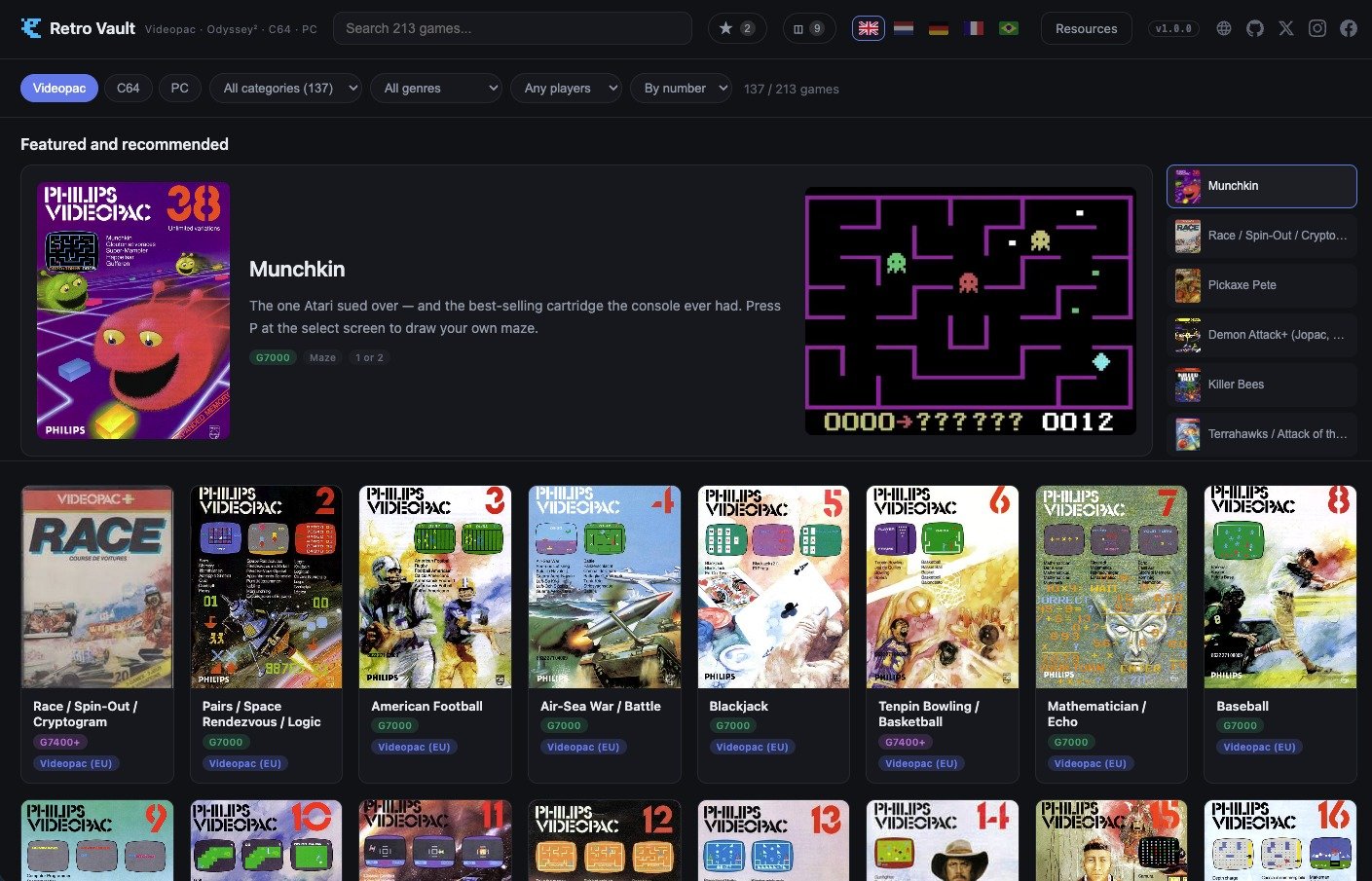
Steam made it normal to browse your games as a wall of box art — searchable, filterable, one click from playing. The machines that invented home gaming never got that treatment. Retro Vault gives it to them: a library shell that runs entirely on your own computer, in your browser, offline if you like, and treats a 1979 cartridge with the same care Steam gives a new release.
Every game gets a real page: original box art, screenshots, publisher, year, genre, player count — and where history left something behind, the Vault keeps it. Hidden cheat write-ups sourced from the community. Homebrew spotlights for the developers still making games for these machines today, with links to support them. A featured rail, favorites, and per-shelf search that make nearly 400 releases feel browsable instead of archaeological.
Everything plays straight in the browser, no installs — the built-in emulators (O2EM, VICE, vAmigaWeb and DOSBox, compiled to WebAssembly) do the work the moment you drop a file into the right folder.


Videopac / Odyssey²
The complete European Videopac run plus US Odyssey² and Brazilian variants — G7000 and G7400+ releases, The Voice titles, multi-language box art, and the homebrew scene that never let the console die.
Commodore 64
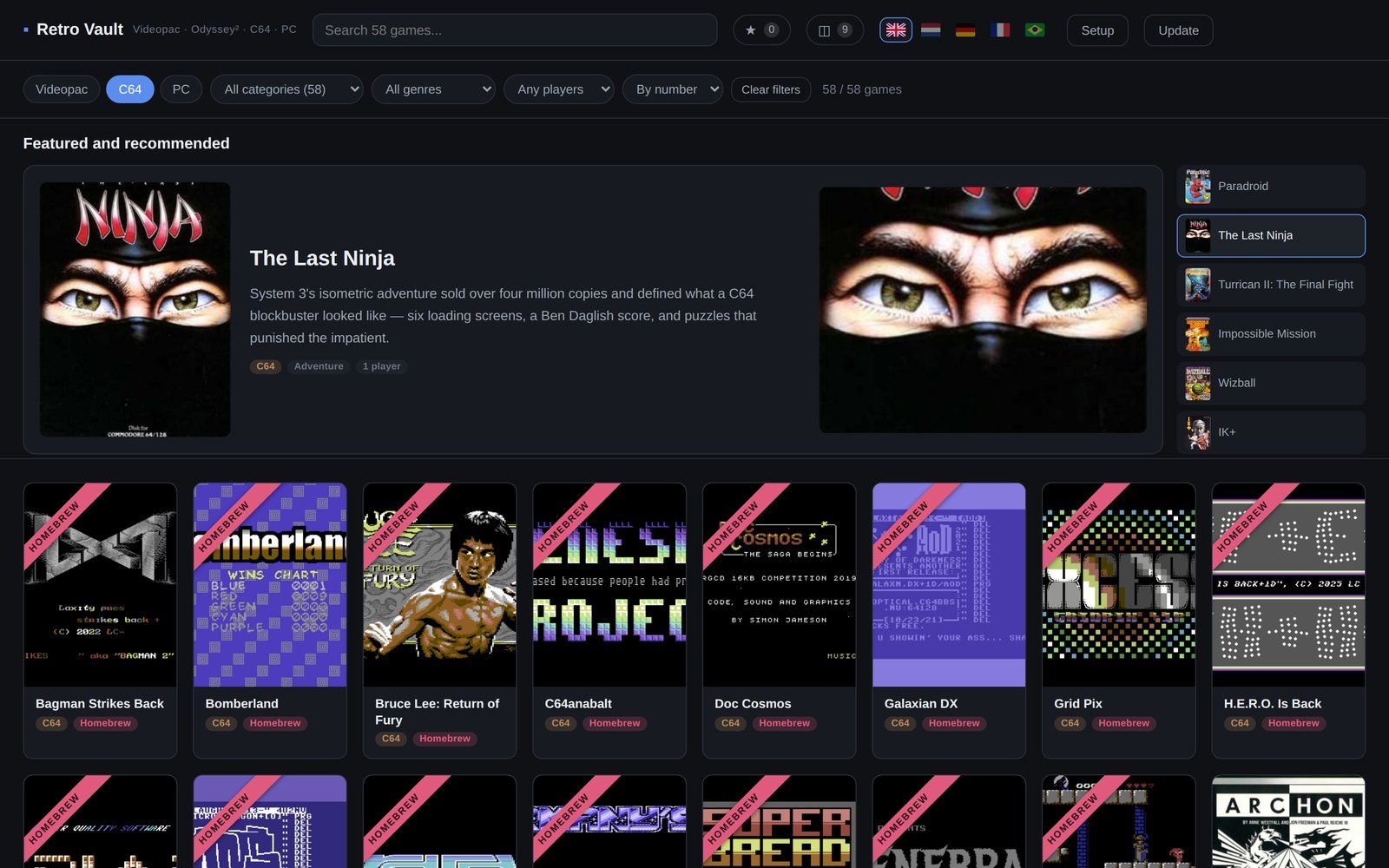
The greatest hits of the best-selling home computer of all time — plus a homebrew shelf of brand-new C64 games with gameplay clips and "support the creator" links to the people making them right now.
Commodore Amiga
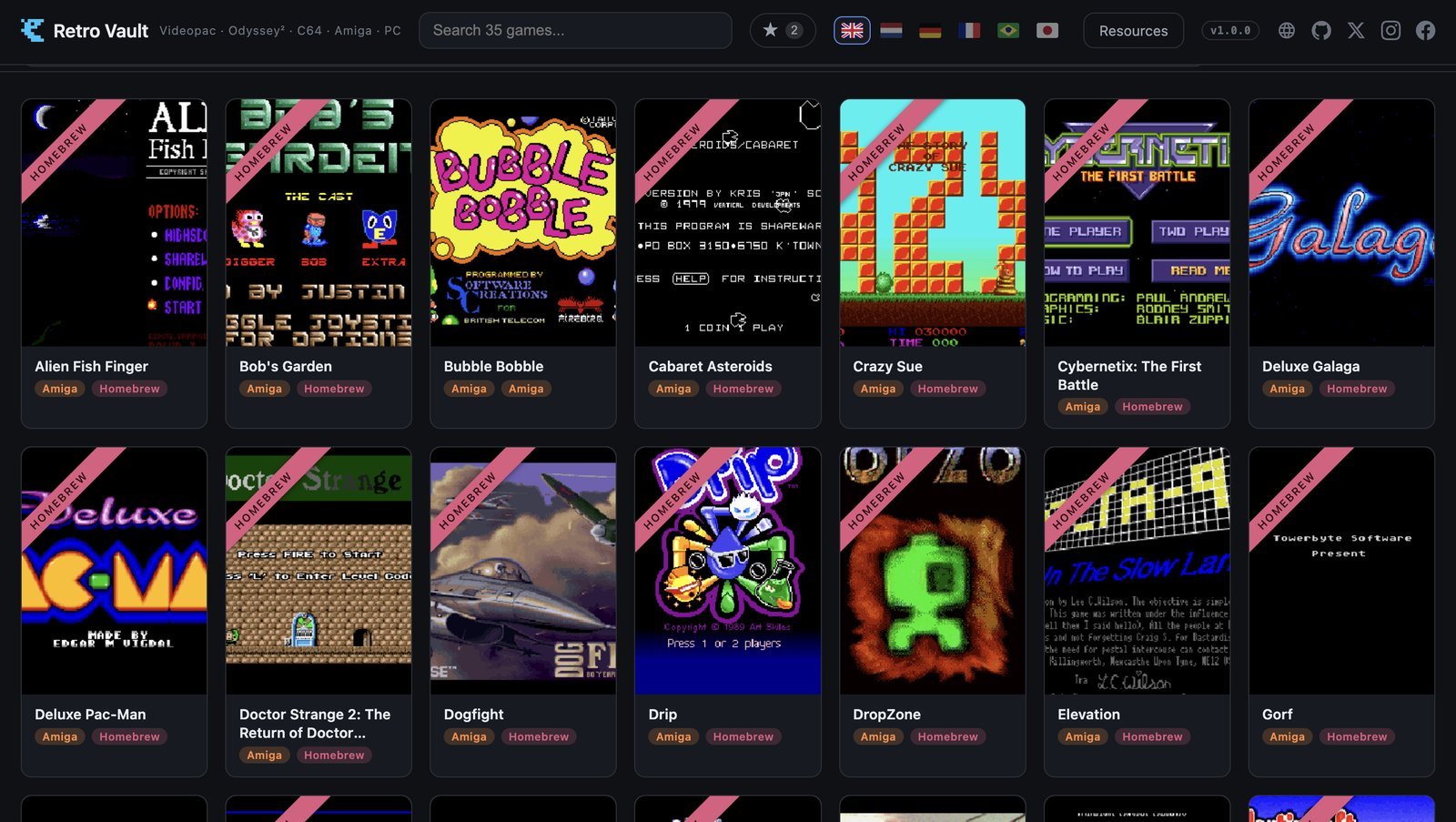
The newest shelf. 27 public-domain, shareware and homebrew games that ship with the Vault and play instantly — Deluxe Galaga, MegaBall, Sqrxz and friends — plus classics like Turrican, Stunt Car Racer and Lotus Turbo Challenge 2, on vAmigaWeb with the open-source AROS Kickstart built in.
MS-DOS
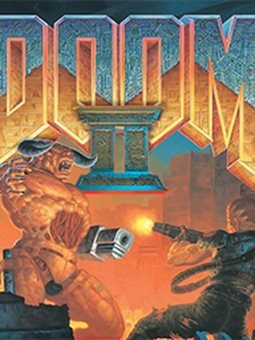
Doom, Commander Keen, Duke Nukem, King's Quest, X-COM — the shareware and floppy era, running on a WebAssembly DOSBox with per-game control notes.
Play in the browser
O2EM, VICE, vAmigaWeb and DOSBox built in as WebAssembly cores. Click a cover, press START, play.
Real box art
Original scans on every card — Philips, Magnavox and Brazilian editions, not placeholder tiles.
Cheats & secrets
118 community-sourced cheat write-ups hidden behind a reveal, some with the original diagrams.
Homebrew spotlight
New games for 40-year-old machines, with clips and direct links to support their creators.
Six languages
English, Nederlands, Deutsch, Français, Português and 日本語 — the whole shell, not just the menus.
Saves that stick
Nine save-state slots per game on the Videopac and C64 shelves — F2 saves, F3 loads — snapshots from the emulator's own menu on the Amiga shelf, and DOS games keep their own in-game saves. Everything stays in your browser, on your machine.
Built-in updates
One button checks the official repo and pulls new games, art and features into your install.
Have a look around.
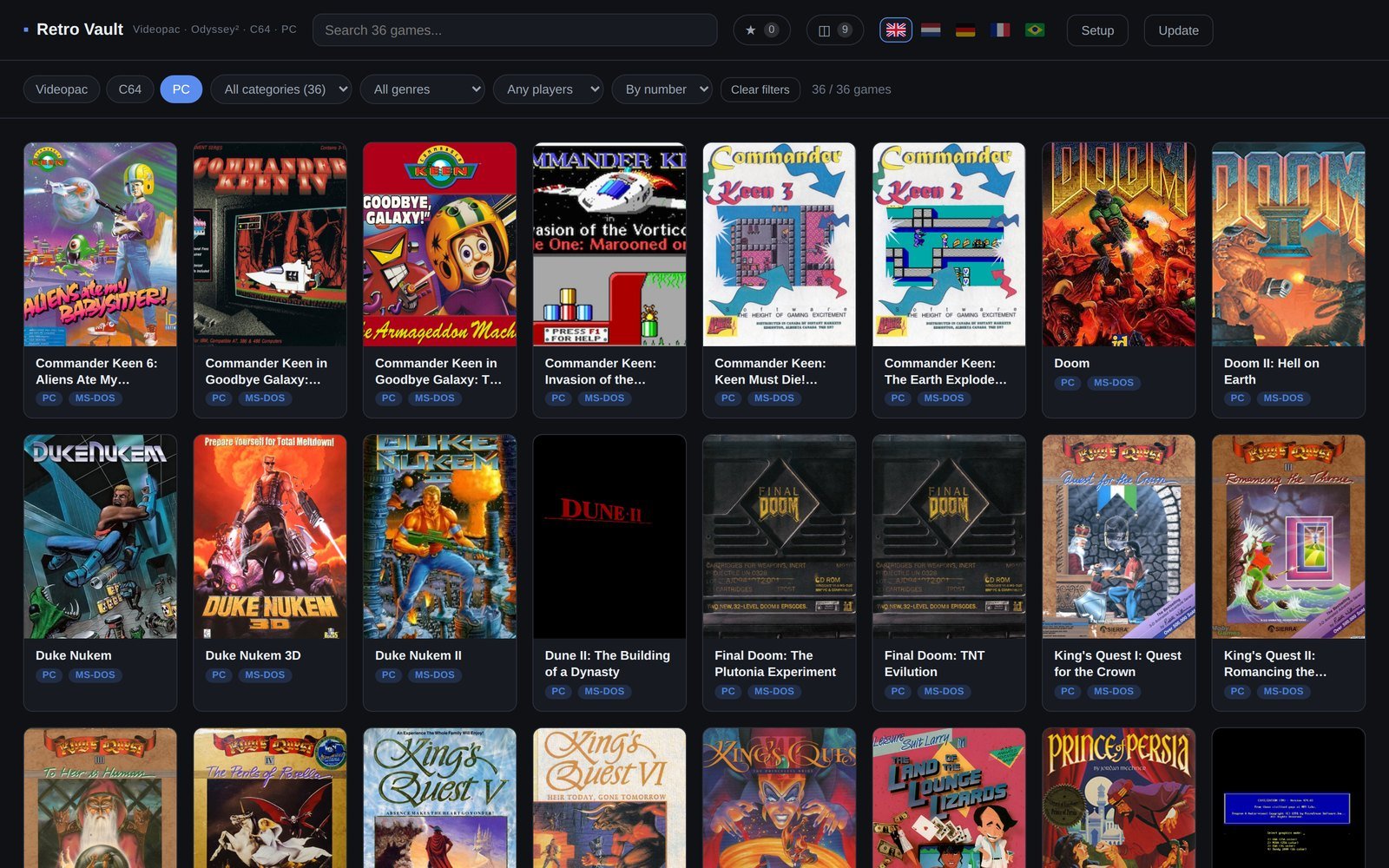
Straight from the Vault — click any shot to enlarge. Or skip the pictures and browse the real thing live.
The Master Strategy Series
In 1981, designers Ron Bradford and Steve Lehner — with Ed Averett, the man behind most of the Odyssey² catalogue, doing the programming — tried something nobody else was doing: games that were half video game, half board game. Each box held a full game board, decks of tokens and a rulebook, and the console handled only what consoles were good at — the action, the arithmetic, the referee. Three shipped before Philips left the market. A fourth, a Sherlock Holmes game, was underway when the lights went out and was never finished.
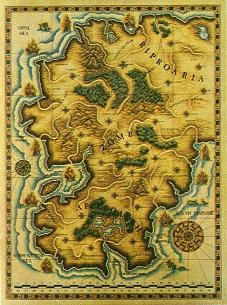
The Vault gives the series its own exhibit on the Videopac shelf: the real board photographed for each game, what shipped in the box, and gameplay footage.
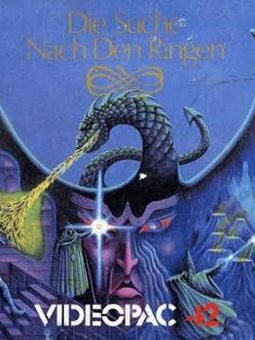
Quest for the Rings
1981Ten rings scattered through dungeons and shifting halls. Pick Warrior, Wizard, Phantom or Changeling and race another player to find them first — the board, overlay and forty-plus tokens turn the TV into just one part of the table.
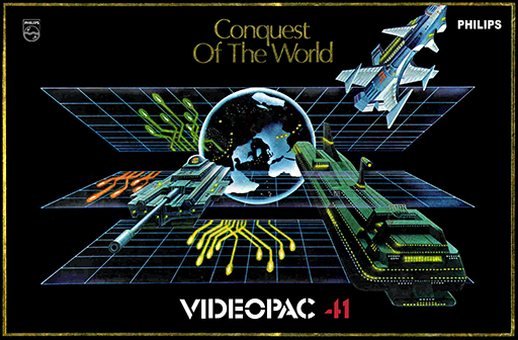
Conquest of the World
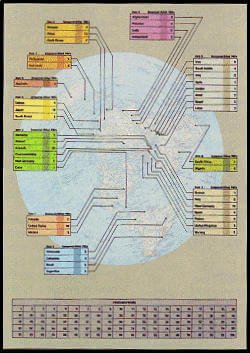
1982Risk with a video game instead of dice. Forty-three world powers, each rated for military and economic strength — and every battle is settled by playing the cartridge's own combat game rather than rolling anything.
The Great Wall Street Fortune Hunt
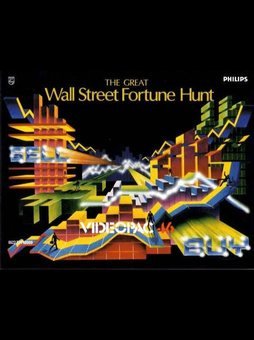
1982Twenty-seven real companies and commodities — IBM, McDonald's, gold, bonds — with prices that move on the news and never run the same way twice. Buy low, sell high, end the year richer than up to three opponents.
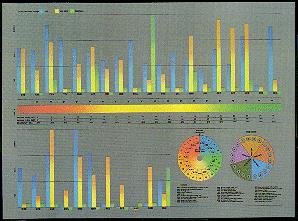
All three live on the Vault's Videopac shelf with box contents, board photos and gameplay — the closest thing to opening the boxes again.
Homebrew, alive and well
Every shelf in the Vault has the same thing going on underneath the classics: people are still writing brand-new games for these machines, decades after the manufacturers walked away. Retro Vault actively supports and promotes homebrew work — it's the reason Videopac, C64, Amiga and MS-DOS aren't just museum pieces, and every shelf ships its own rotating homebrew spotlight with gameplay clips and a direct link to the people making them.
Amok!
The first one. John Dondzila brought Stern's Berzerk to the console in 1998, fifteen years after Philips walked away, and started everything below.
C64anabalt
RGCD's 16KB cartridge demake of Canabalt, 2012 — one button, infinite fall, and proof the C64 could still do a modern indie hit justice decades after launch.
Gates Of Integrity
Tarjan's from-scratch first-person dungeon RPG, still getting numbered point releases years after its first one — create a party at the Guild and go find out what's down there.
Deluxe Galaga
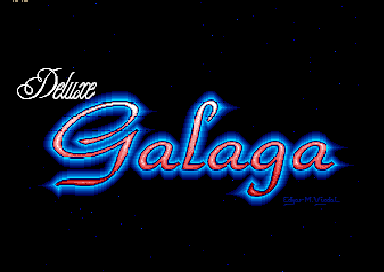
Edgar Vigdal's shareware tribute to Namco's Galaga, passed around PD libraries and Aminet and still given away free — one of 27 Amiga games that ship with the Vault and play straight away.
These four are only a sample — each shelf in the Vault rotates through several homebrew picks with clips and "support the creator" links. Browse the live demo to see them all.
See the Vault in motion.
A guided walk through the shelves, the game pages and the emulators.
Filmed on the Videopac shelf — an updated tour covering the C64, Amiga and MS-DOS shelves is on its way.
Get the Vault. Start playing.
Download the Vault
Grab the ZIP (~195 MB — all the box art is in there) or clone the repo. Windows, macOS and Linux; anything with a modern browser.
Add your own game files
Out-of-print games need nothing at all — over 300 Videopac, C64, Amiga and MS-DOS
titles play straight away, in the demo and in your own install. The ones nobody sells any more load from our
own file host, and 77 homebrew, public-domain and freeware games — every playable title on the Amiga shelf
among them — ship with the Vault as free downloads. For anything still on sale, drop your own cartridge and
disk dumps into the emulator/roms folder — files you've dumped from games you own; for 44 of
them the game page points at a preservation copy so you can decide for yourself. Not sure where to look? Our
Resources page lists the usual places, shelf by shelf.
Open it and play
Unzip it, then double-click Retro Vault.app (Mac — it has its
own icon, drag it to your Desktop, Applications or the Dock) or Start Retro Vault.bat
(Windows) — it checks for Python, installs it for you if it's missing, and opens the Vault in your
browser. No terminal required. The update button keeps your install current from then on.
 click here
Free under the Retro Vault License. The download itself carries no game ROMs and no BIOS — out-of-print titles load from our own file host, and anything still on sale you supply yourself. Not sure yet? Click through the live demo first.
Questions people actually ask.
Do I need to install anything besides the Vault itself?+
No manual install needed — the ZIP includes a launcher: double-click
Retro Vault.app on Mac (a real app with its own icon — drag it to your Desktop,
Applications or the Dock) or Start Retro Vault.bat on Windows, and it takes care of
Python
for you, installing it automatically if it isn't already on your machine. First run only, you may
see a one-time prompt: Mac — right-click the app → "Open" → "Open" (macOS is just
confirming it trusts a downloaded file). Windows — click "More info" → "Run anyway" on the
SmartScreen warning. After that it's a plain double-click. Prefer to install Python yourself
first? Mac: open Terminal and run xcode-select --install. Windows: grab
the installer from python.org
and tick "Add python.exe to PATH" during setup.
What is Python, and why do I need it just to browse my games?+
Python is a programming language that happens to ship a built-in mini web server —
the launcher (or python3 serve.py in the Vault folder, if you run it by hand) switches
it on. Browsers block a lot of what the Vault needs — loading the WebAssembly emulator cores,
fetching game data — when a page is opened straight from a file on disk. Serving the same files
over http://localhost instead, even though it's still 100% local, is what makes the
browser treat it like a normal website and let everything load.
Is "localhost" safe? Does anything leave my computer?+
Nothing leaves your machine. localhost just means "this computer talking to
itself" — Python is serving files from your own hard drive to your own browser, over a
connection that never touches the internet. No games, saves or files are uploaded anywhere.
Which browsers and operating systems does it run on?+
Chrome is the one we'd pick. Firefox works fine too, just with one extra click before a game starts. We'd steer clear of Safari — it clears stored site data after about a week of no visits, and that's exactly where your favourites and save games live. Any of them will run on Windows, macOS or Linux — anything modern enough for WebAssembly. No installs beyond Python, no plugins.
Can I just play, without downloading anything?+
Yes. The live demo is the real Vault, running on our own server — pick a shelf, click a cover, play. Out-of-print titles load their game files from us; the rest are on the shelf but stay locked until you add your own. Downloading the Vault gives you the same thing offline, plus your own files, your own favourites, and save games that stay on your machine.
Do I need to already own the original games?+
Not for most of them any more. Retro Vault hosts the out-of-print titles itself — over 300 Videopac, C64, Amiga and MS-DOS games that nobody sells today start with nothing to add, in the demo and in your own install alike. Games that are still on sale are the other half: those the Vault will never carry, and you supply your own dump of a copy you own — the Resources page lists where people usually look. Homebrew and copyright-free releases ship with the Vault. See the License below for the legal details.
Do I need an Amiga Kickstart ROM?+
No. The Amiga shelf boots on AROS, the free, open-source Kickstart replacement that
comes with the emulator, and every public-domain and homebrew title on the shelf was tested on it. A few
commercial games insist on the real thing: if you own a Kickstart 1.3 image
(Amiga Forever is the licensed way to get one),
name it kick.rom, drop it into emulator/roms and the Vault picks it up by itself.
We never ship or host a Commodore Kickstart.
Wait... did I just see a UFO?+
👽😎
How do I get in touch?+
For questions, permissions or takedown requests, reach the team at hq [at] retrovault.world — written that way on purpose to keep the spambots off it, just swap in the symbol. Bug reports and feature ideas are also welcome on the GitHub issue tracker. Alternatively, you can activate the .

Free to use. Not free to clone.
Retro Vault is released under the Retro Vault License v1.0 — freeware with visible source. In plain language:
- You may download it, use it, keep it forever, and modify your own copy however you like.
- You may not rehost it, publish clones or derived versions, or use it commercially without written permission.
- No game content is included. Game titles, box art and trademarks belong to their respective owners and appear for identification and preservation.
- The bundled emulator cores (O2EM, VICE, vAmigaWeb, DOSBox) are separate GPL projects under their own licenses; the AROS Kickstart replacement is under the AROS Public License.
Full text: LICENSE.md on GitHub. For permissions and takedown requests, open an issue on the official repository or write to hq [at] retrovault.world.